
Description
Mercedes-Benz Sprinter Service Manual
Complete Mercedes-Benz Sprinter service manual & repair information system covering all years, all markets & platforms 1995 – 2025.
Digital download • No subscriptions • No daily access fees
What is Sprinter Tool Pro?
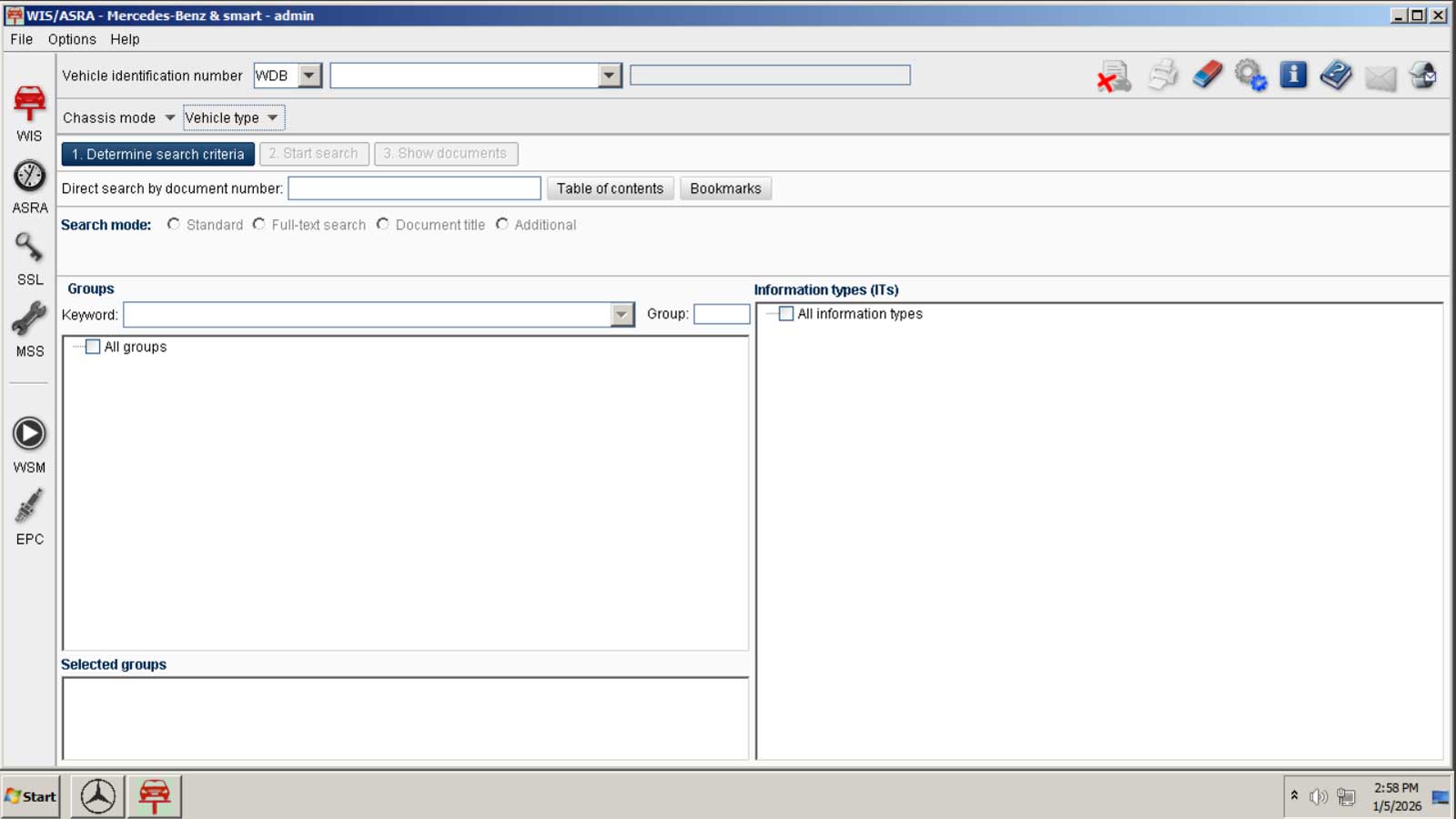
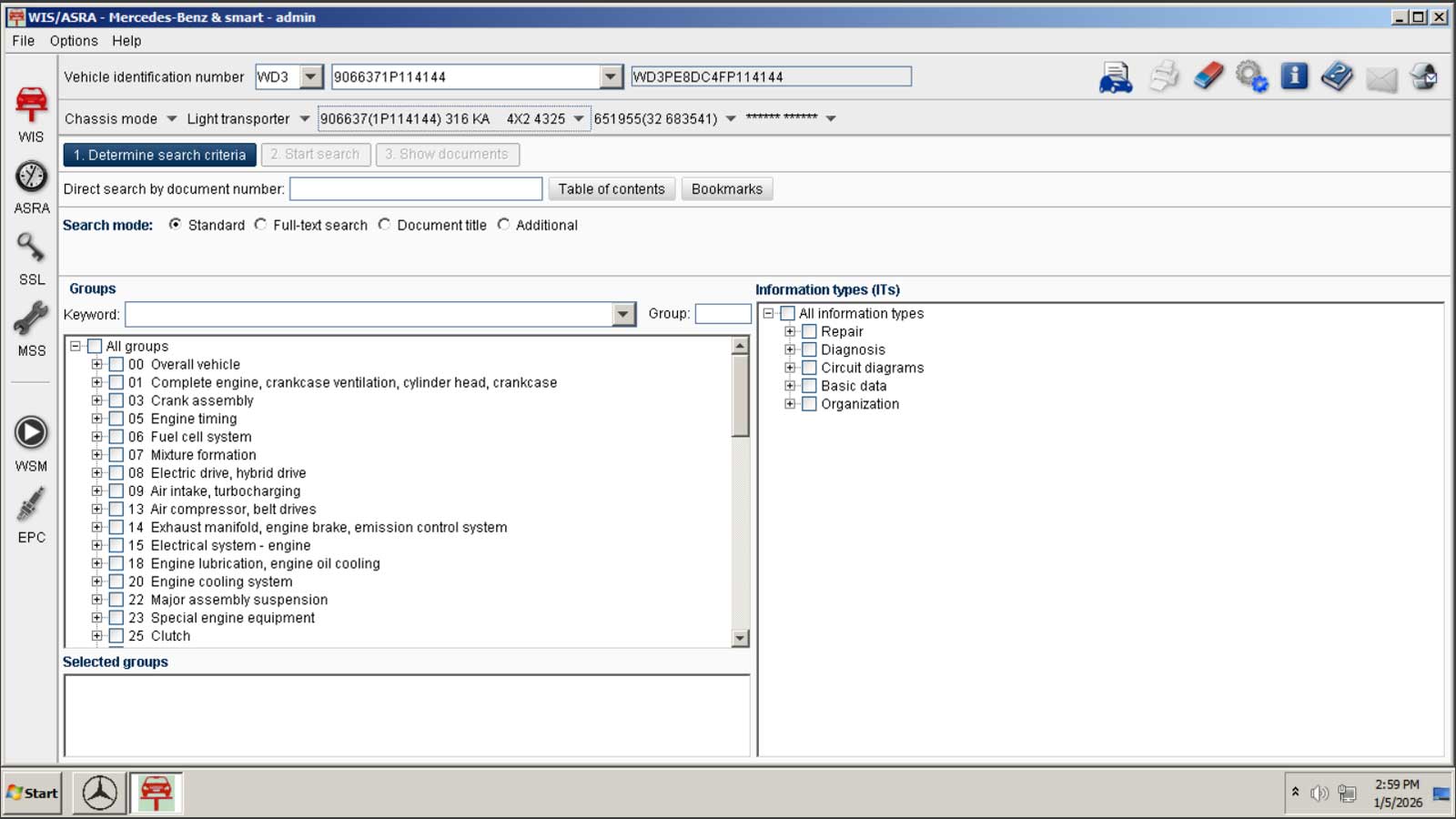
Sprinter Tool Pro is a fully self-contained virtual Sprinter service manual system that gives you direct access to Mercedes-Benz factory repair data for every Sprinter van ever produced.
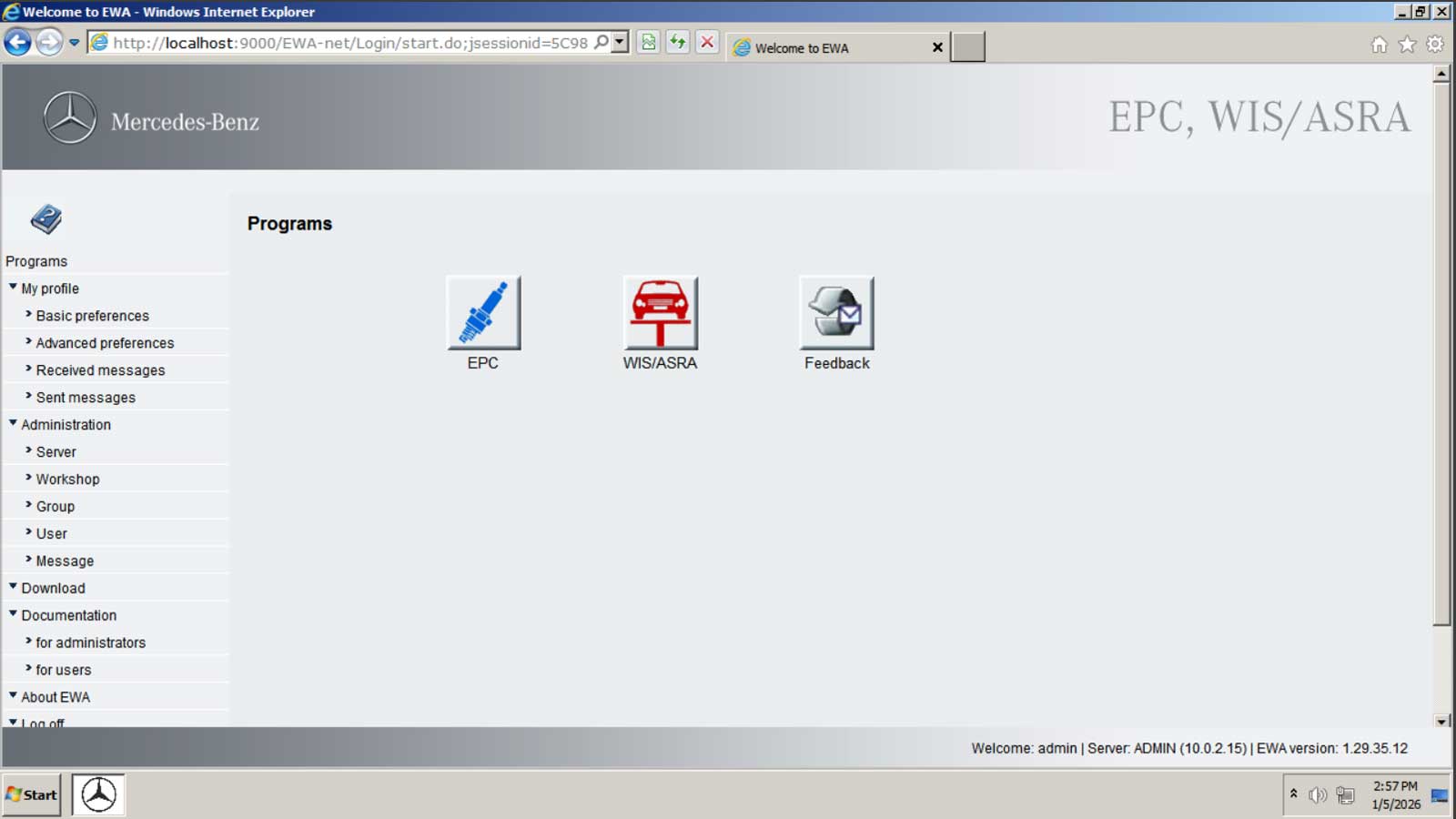
It includes the complete Mercedes-Benz WIS / ASRA / EPC applications, pre-installed and pre-configured inside a Windows based virtual machine so you can download, install, and start using it immediately – without fighting installers, licenses, or configuration issues.
This is not a PDF manual. This is the same factory software system Mercedes-Benz technicians use everyday, delivered in a simple, ready-to-run format.
What’s Included
This system contains the complete Mercedes-Benz factory service WIS database, including:
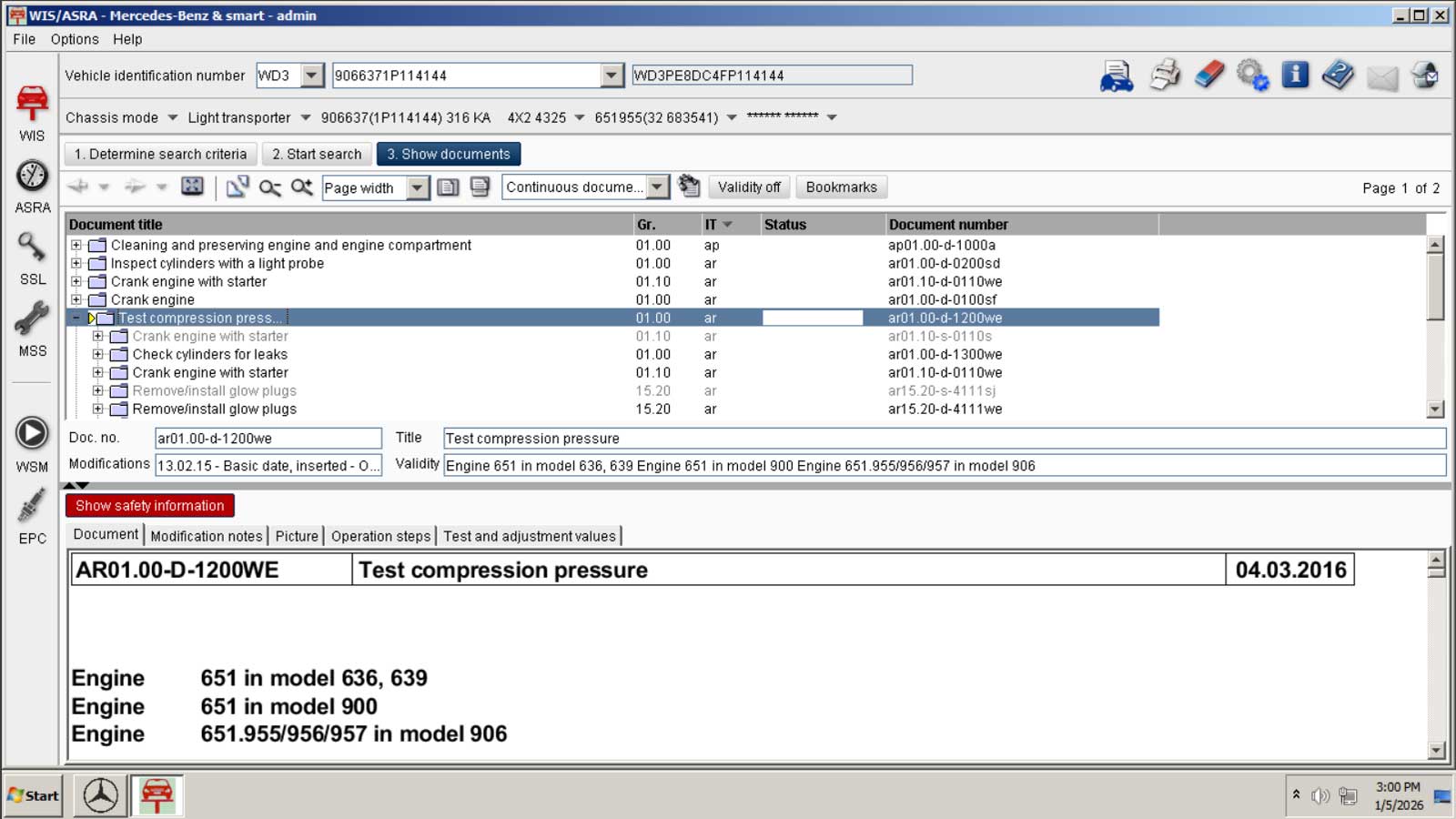
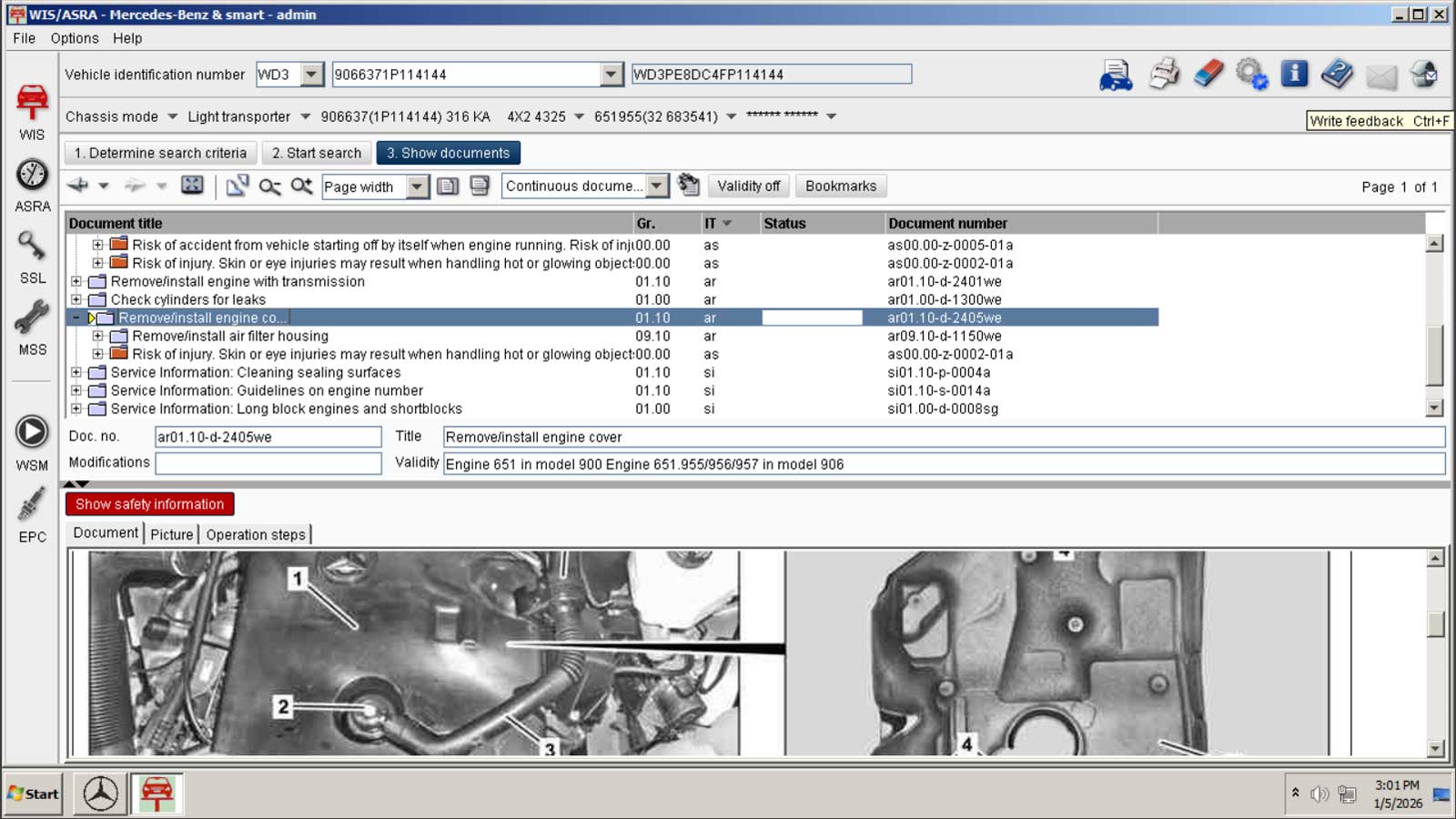
- Complete factory repair procedures for every Sprinter system
- Step-by-step troubleshooting guides
- Removal & replacement procedures for all components
- Engine, transmission, and major assembly rebuild procedures
- Factory maintenance schedules
- Complete wiring diagrams (every wire & connector)
- Torque specifications for all fasteners
- Fault code definitions
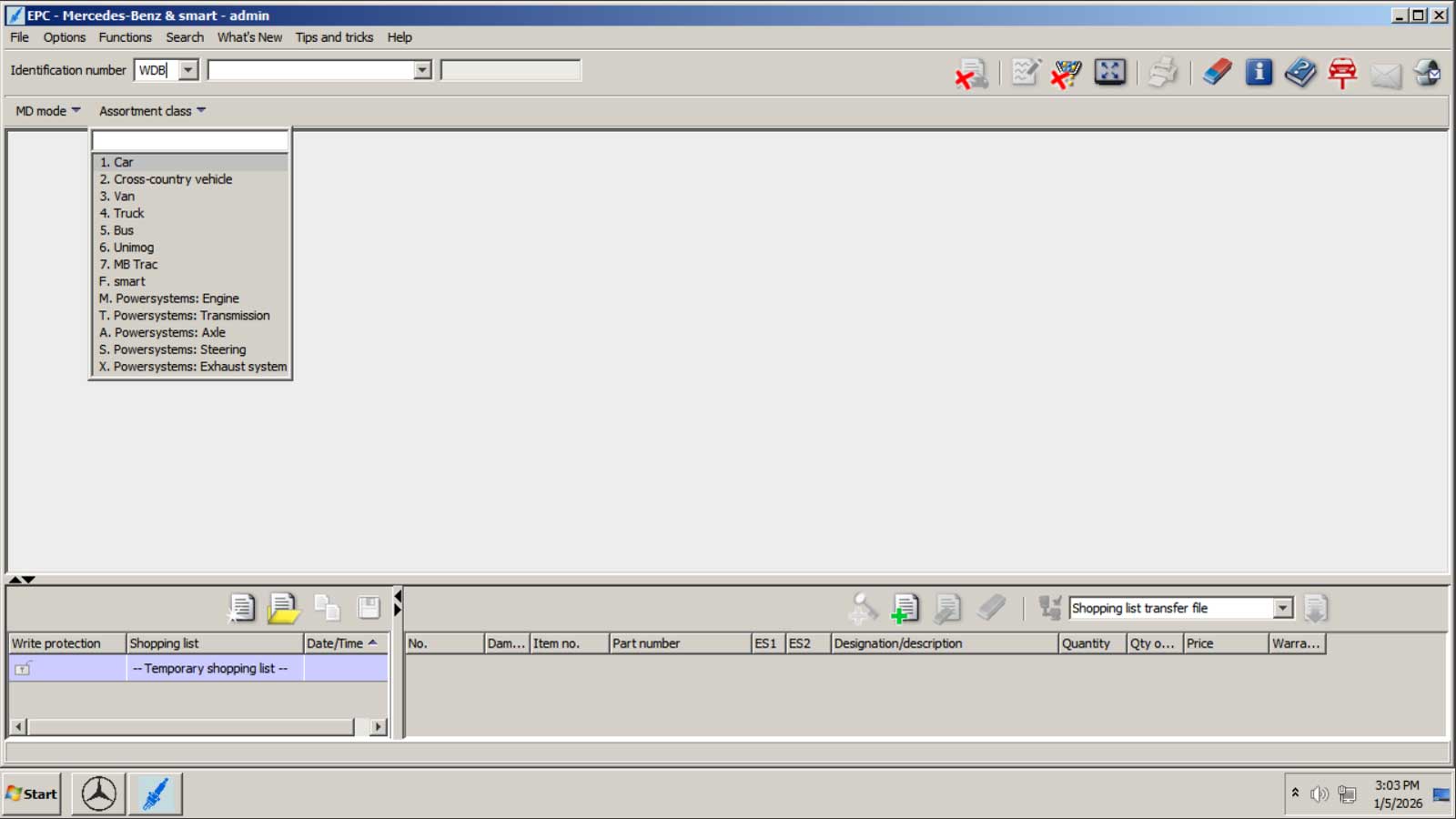
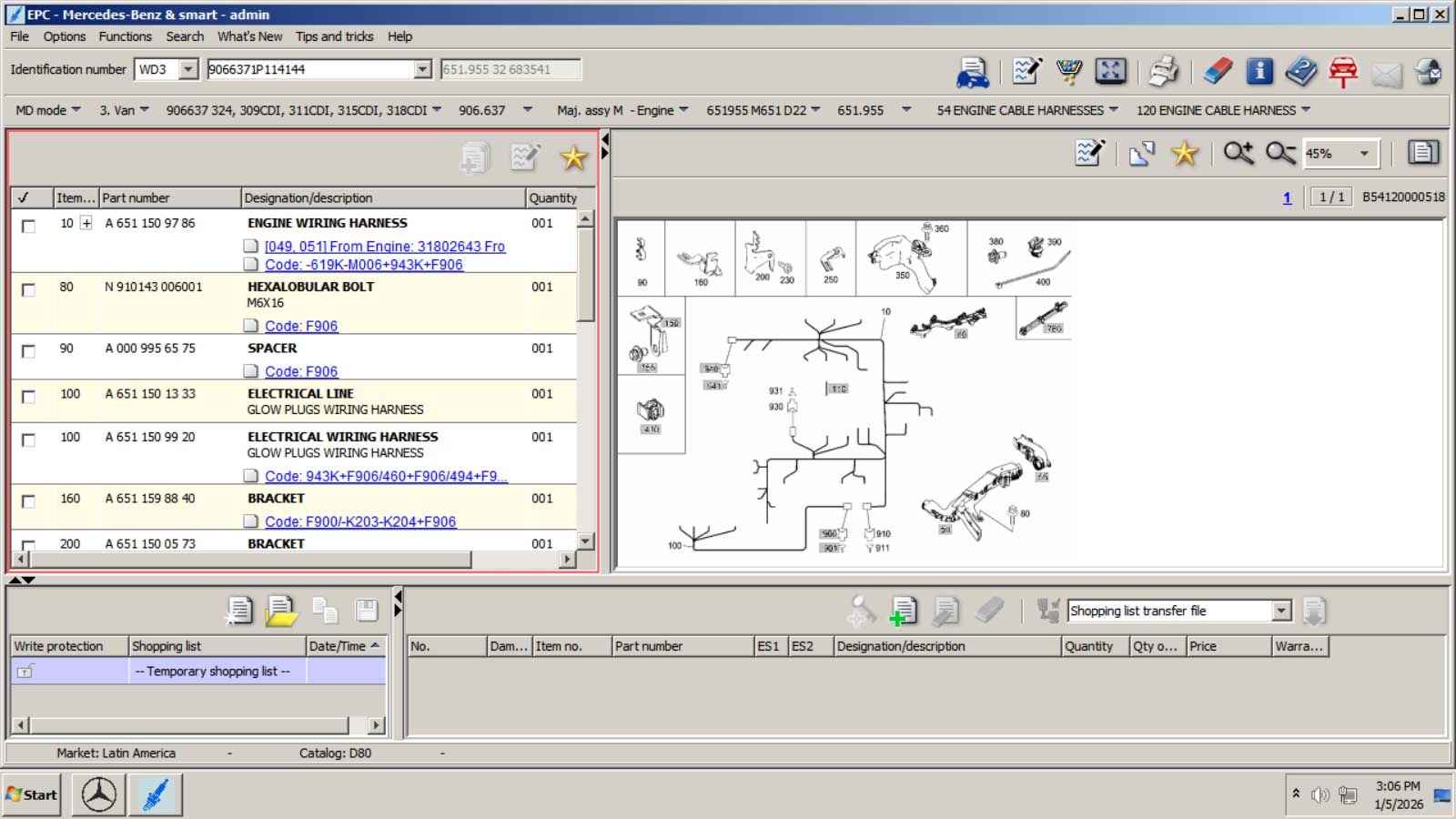
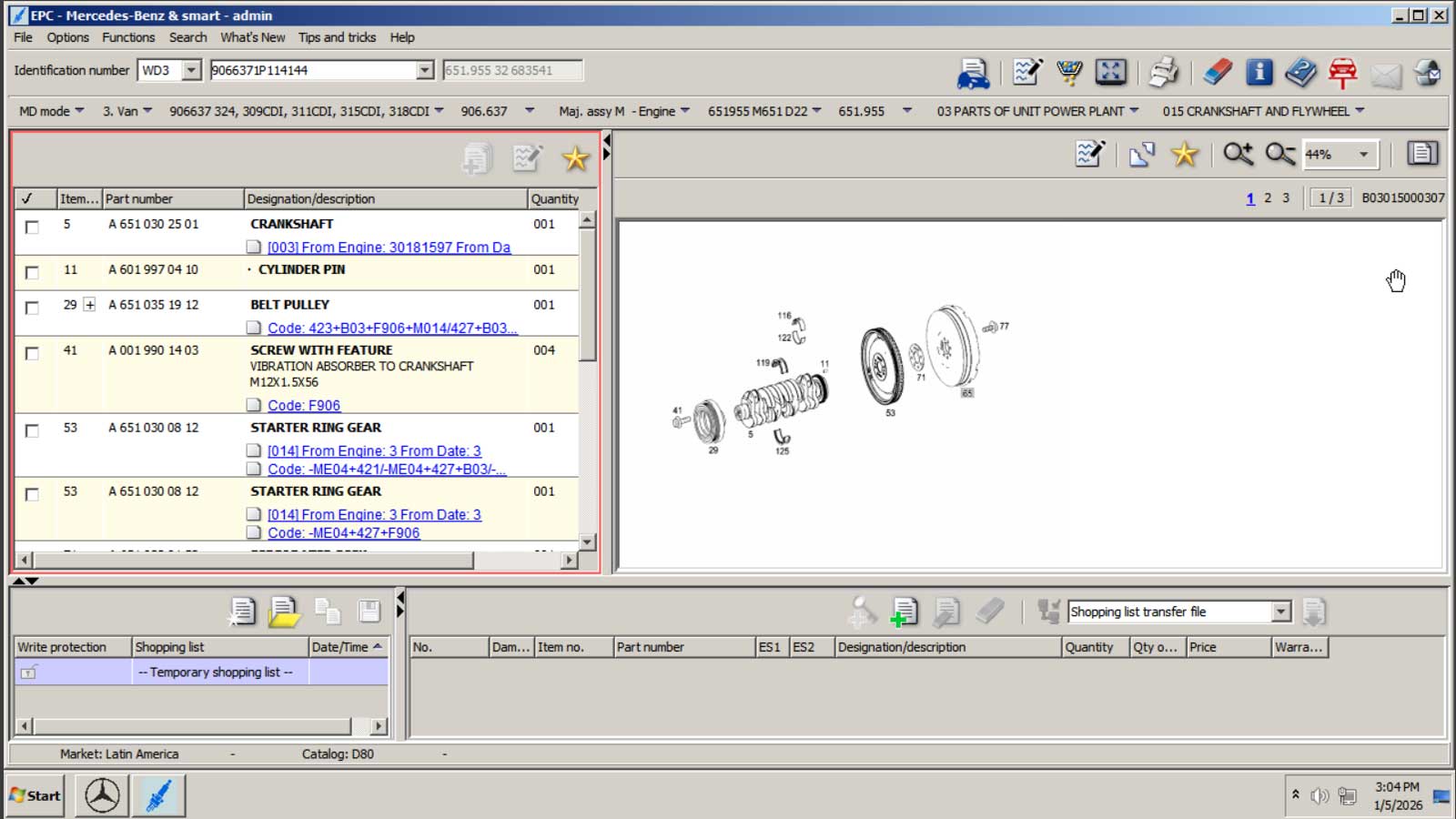
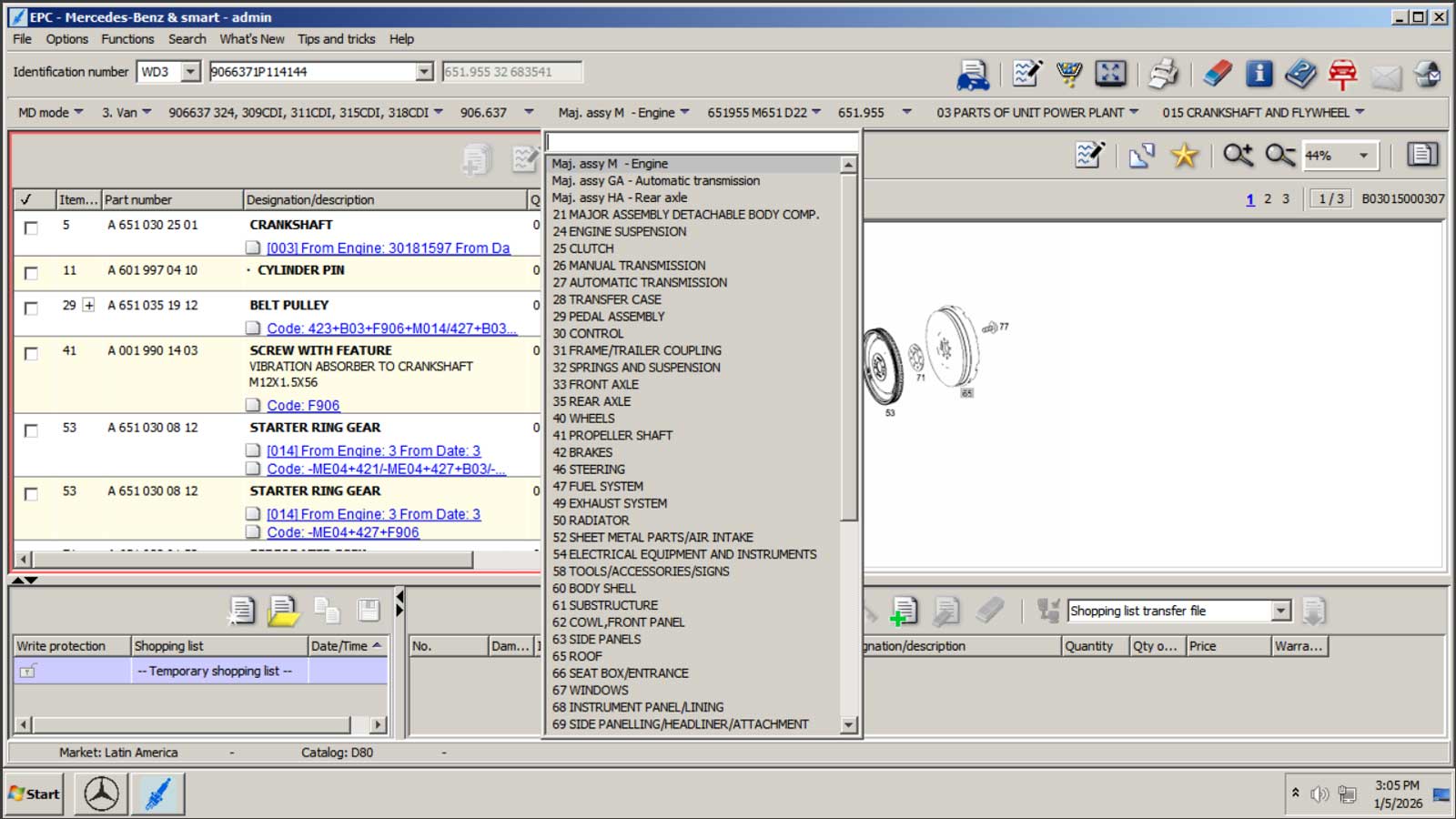
- Full electronic parts catalog (EPC)
- Damage codes
- Flat-rate repair time tracking (ASRA) (Great for repair shops)
Database details:
- WIS version: 04/2020
How It Works
Sprinter Tool Pro runs as a pre-configured virtual PC in a window on your desktop.
You simply:
- Download and install the latest version of VirtualBox for your system:
https://www.virtualbox.org/wiki/Downloads - Download the Sprinter Tool Pro.ova file (47GB)
- Import the Sprinter Tool Pro.ova file into the VirtualBox manager
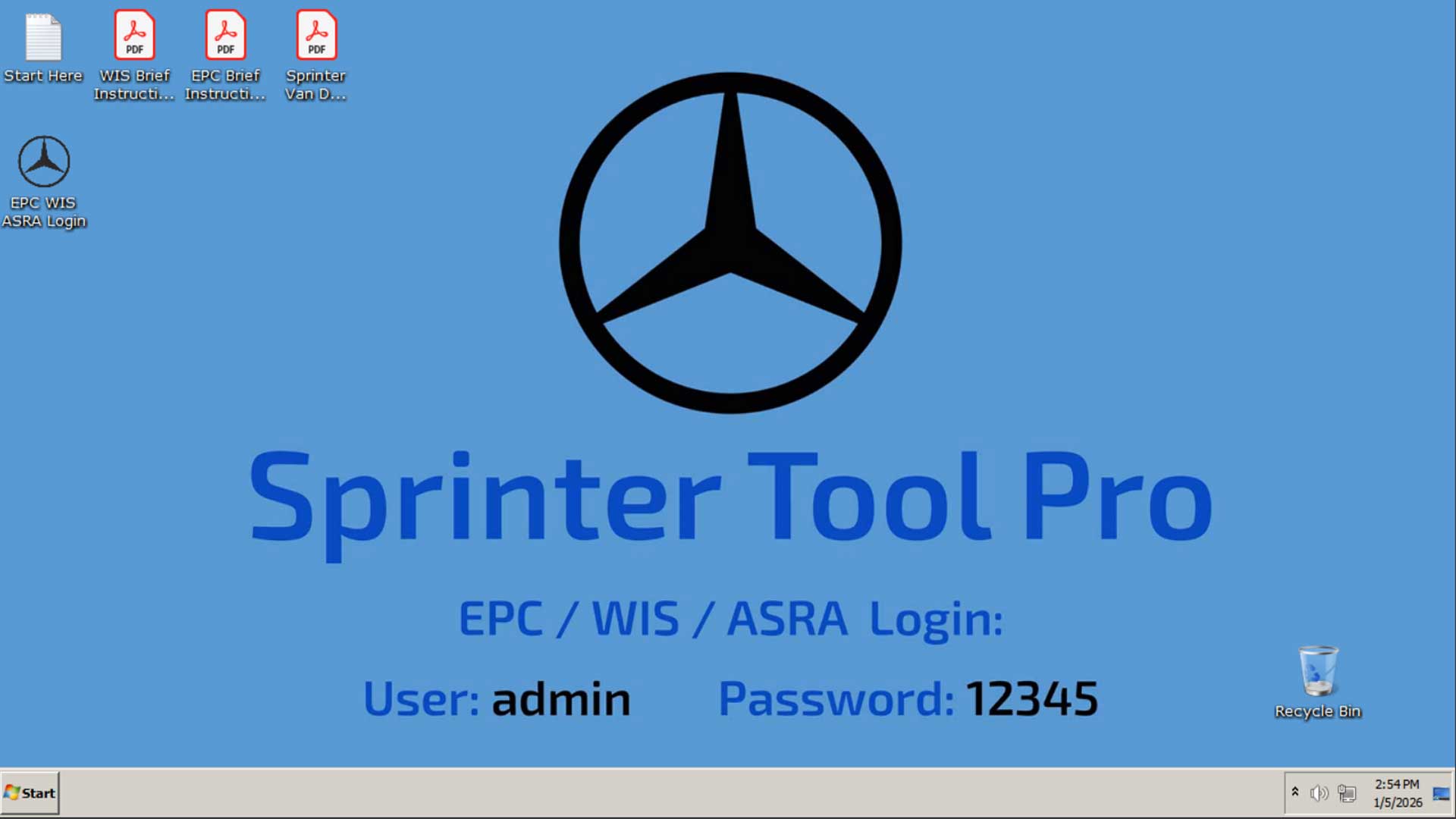
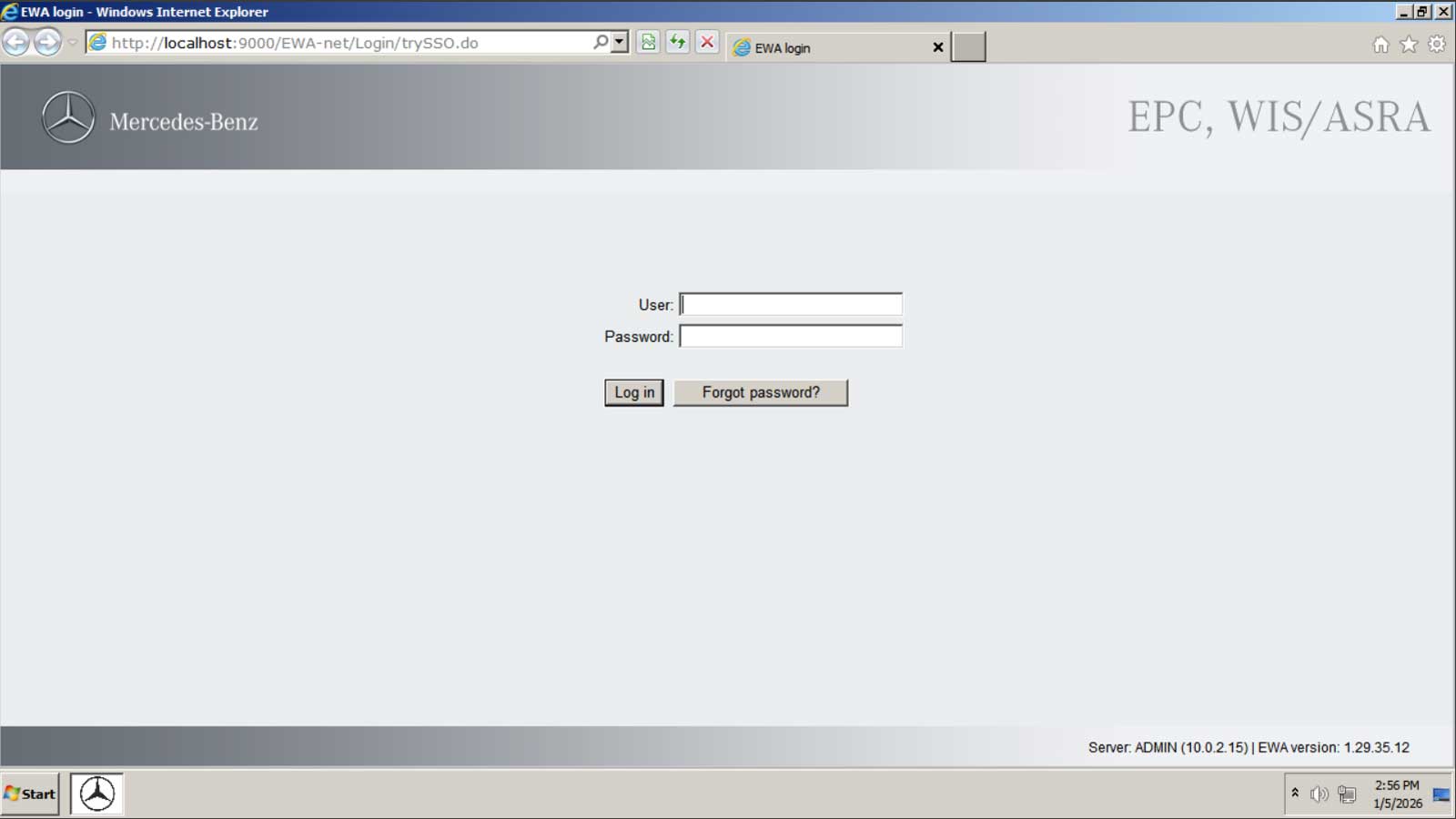
- Start the Sprinter Tool Pro and begin using the factory tools
(WIS / ASRA / EPC)
New and improved super simple installation process with just a few clicks!
Downloads are now direct from our own super fast server and are resumable and support file downloader apps. No more Google drive download issues.
No manual database installs. No configuring MAC addresses. No license servers. No daily logins. No usage fees.
Performance And Compatibility (Updated for 2026)
This latest version has been fully optimized and modernized:
- Runs on the latest versions of VirtualBox
- Optimized display and scaling for modern displays
- Super fast startup
- More stable and responsive interface
- Compatible with:
- Windows PCs – (Windows 10, 11) – (Recommended)
- Apple – (Intel based Macs)
- Apple Silicon (M1 / M2 / M3 / M4 Macs) – (Compatible but requires additional file conversion steps. Not recommended for non-tech savvy Mac users – Click Here for conversion instructions)
- Note: Sprinter Tool Pro DOES NOT run on iPads, iPhones, Chromebooks, or Android based phones or tablets!
Is Your Sprinter Covered?
Yes.
Sprinter Tool Pro covers ALL Sprinter model years and configurations worldwide, 1995 – 2025 including:
- T1N – (Using built in VIN search)
- NCV3 – (Using built in VIN search)
- VS30 (2019+) – (Some VIN’s included in VIN search, some are not)
How Is This Possible If The VIN Search Feature Does Not Include The VIN’s Of Sprinter Vans Produced after 2019?
Sprinter vans (like most other motor vehicles) are built based on a particular platform, not a particular model year. Platforms typically span multiple model years. Since 2019, Mercedes-Benz has been using the VS30 platform for producing ALL Sprinter vans (907 and 910), including the all electric eSprinter.
This means that your 2020 – 2025 Sprinter is built with the EXACT SAME engines, chassis and major assemblies as models from previous years.
Read more about this here:
Locating the proper service groups for your Sprinter van in WIS is not dependent on the VIN being included in the VIN search feature. While this feature is certainly convenient, it is not mandatory in order to use WIS and all of it’s features properly.
You can achieve the same result and locate your correct service groups by making the correct manual selections in WIS. This is the biggest issue users face when trying to use WIS when their VIN is not found, as the manual selection process is not easy without some additional guidance.
How Did We Make This Manual Identification Process Smooth And Easy To Correctly Choose Options In WIS?
We have created a brand new application, the Sprinter Model Wizard that will assist you in making the correct manual selections in WIS when your VIN is not found by the VIN search feature. You can use it for free by clicking the button below:
The Sprinter Model Wizard is optimized for VS30 (2019+) Sprinters, making it fast and accurate for newer vans — while still fully supporting earlier generations.
We are happy to assist our customers with this process via email should they have any difficulty using the wizard or locating their proper service groups in WIS.
Reviews
There are no reviews yet.